Signature tool
TipVision: watch the rod tip work
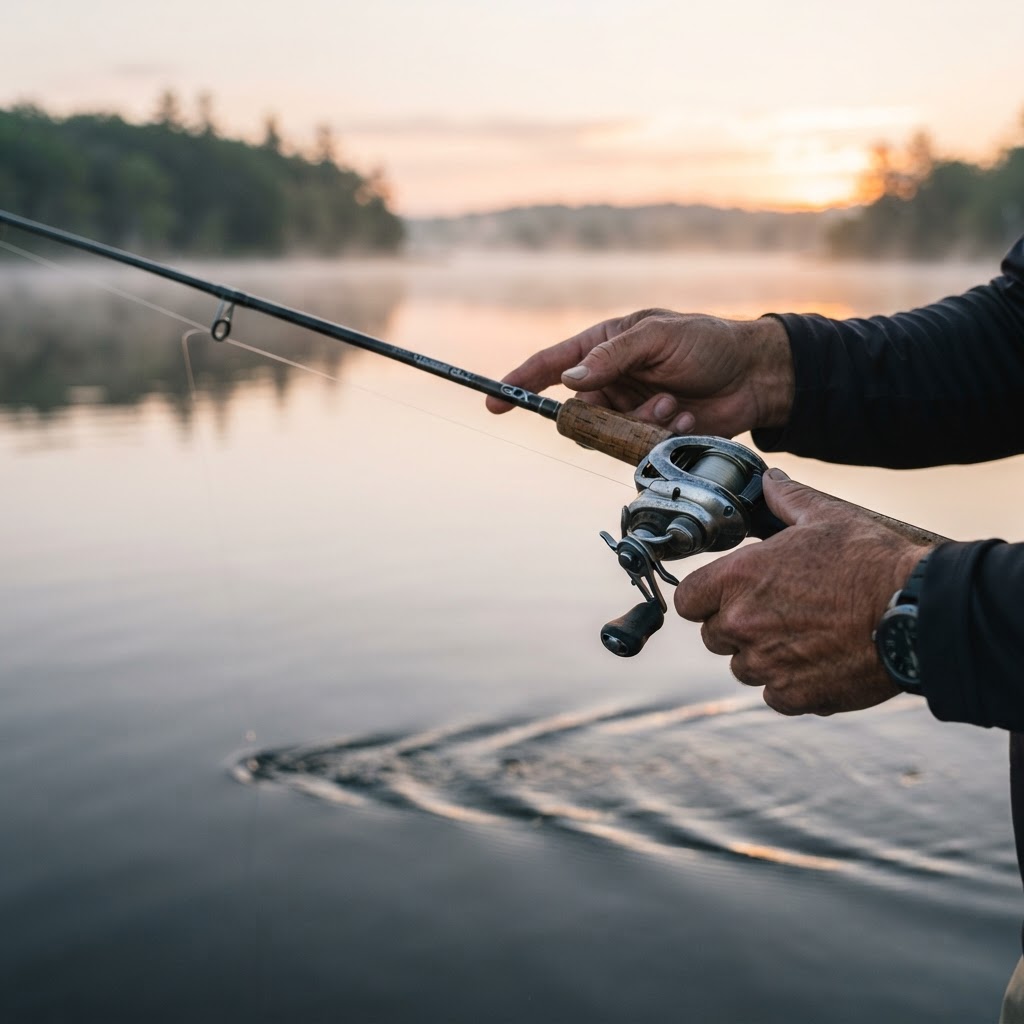
TipVision follows the rod tip in the camera frame and shows its movement as a share of the rod, so the numbers mean the same thing on a light rod and a heavy one. Mark a strike and the retrieve before the hookset is measured separately from the rod work after it.
What the session shows
- Rod-tip travel as a share of the rod length, so it is comparable between rods
- How much of the rod’s working window the cast used
- Where a possible strike happened in the retrieve
- The retrieve before the hookset kept apart from the fight after it
- A movement trace for the whole session
Possible strikes, not proof
A strike alert means the rod tip moved the way it usually does when a fish takes the lure. It is a prompt to check your line, not a confirmation that a fish is on, and it cannot see the lure or the fish. The alert is adjustable, so a windy day does not turn every ripple into a notification.
StrikeVision has no sonar. Nothing in the app sees under the water.
TipVision questions
How does TipVision work?
- TipVision follows the rod tip in the camera frame and shows its movement as a share of the rod length, so you can see how much of the working window you used. When you mark a strike, the retrieve before the hookset is kept separate from the rod work after it, and each phase is summarised on its own.
Can a phone detect possible fishing strikes?
- Yes, within limits. TipVision watches for the rod-tip movement that usually means a fish has taken the lure and raises a possible strike so you can check. It is a prompt to react, not proof that a fish is on, and it cannot see the lure or the fish. ReelVision raises the same kind of alert from the same rod-tip movement.
See it working before you buy
All 47 demonstrations are free and need no account. TipVision is part of StrikeVision at $5.99, a one-time purchase.